
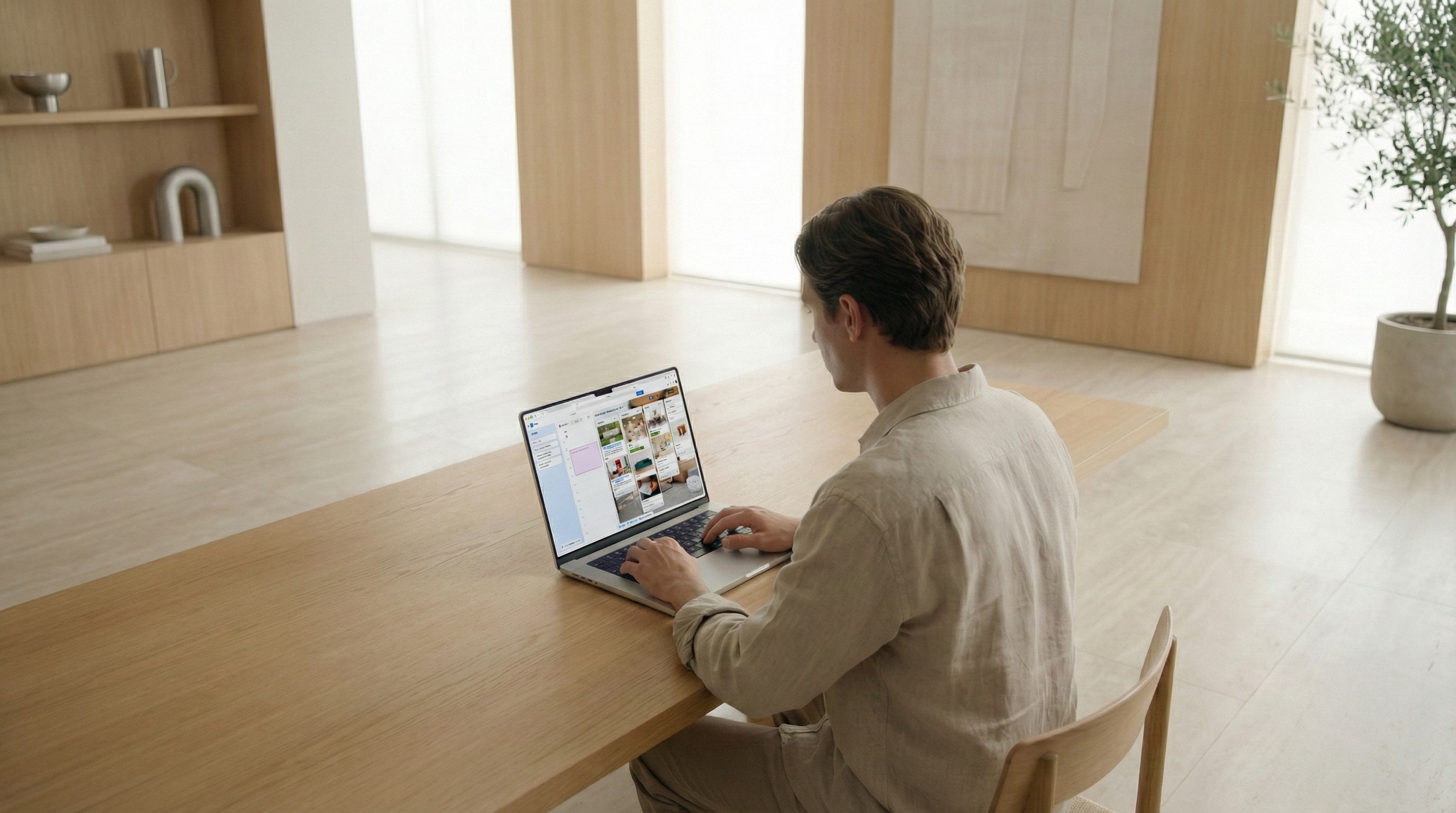
Trello — Personal Productivity Redesign
A modern system for capturing what matters, organizing with clarity, and finishing meaningful work.
Trello has been beloved for over a decade as a visual, team-based project management tool.
But as work changed — and as AI and personal workflows became more central — we saw a massive opportunity:
Trello could become just as powerful for individuals as it is for teams.
I joined the initiative to lead a major redesign: a full pivot of Trello toward personal productivity while protecting everything users loved. The result introduced new core features, new interaction patterns, and a new philosophy — all while feeling unmistakably like Trello.
The Goal
Shift Trello from a team-only tool to a best-in-class personal productivity system.
To achieve this, I immersed myself in:
The personal productivity ecosystem
Books & frameworks (GTD, Time-Blocking, PARA, etc.)
Academic research on personal information management
Dozens of user-research interviews and workflow studies
From this emerged our thesis — simple but powerful:
Capture → Organize → Get Stuff Done
A productivity system is only as strong as its ability to help people reliably move through these three stages.
The Core Insight
Every productivity method — from GTD to time-blocking — shares something in common:
People need a trusted, frictionless place to capture everything, and a system that helps them translate those items into organized, actionable plans.
To make Trello truly personal, we didn’t just add features.
We redesigned the flow of how tasks move through someone’s day.
1. Capture — Introducing the Trello Inbox
People are more productive when they offload tasks into a single, reliable place.
So we designed Inbox, a fast, AI-powered collection point for everything in your life.
How it works:
Forward any email → Trello parses, summarizes, and turns it into an actionable to-do
One-tap “Turn into to-do” in Slack and Teams
iOS/Android quick-add widgets
Siri/voice capture for hands-free moments
Drag directly from Inbox into Boards or Planner
The goal: zero-friction capture — so your mind stays free for actual work.
2. Organize — Planner and Time-Blocking
Simply having a list doesn’t mean you’ll do the work.
Through our research, time-blocking emerged as one of the most reliable productivity methods — it forces clarity and reduces context switching.
So we built Planner, a schedule-based organizer where you can map tasks onto your day.
Key intentions:
Make it effortless to decide when work gets done
Show a realistic daily picture of commitments
Integrate seamlessly with task lists and boards
Planner became the “when” to the Inbox’s “what.”
3. Get Stuff Done — Reinventing Boards for Personal Use
Trello’s classic Boards remain iconic because they’re visual, flexible, and satisfying.
Our challenge was to extend their power without complicating them.
Now you can:
Capture in Inbox → organize in Planner → drag into Boards
Reorder and manage tasks using the familiar card-based workflow
Keep Trello feeling like Trello, even with a far more capable system beneath it
Boards became the execution engine — the place where the work actually moves.
Design Challenge: Three Powerful Tools, One Simple Interface
The hardest part of this redesign wasn’t building new features — it was making them coexist gracefully.
We asked ourselves:
How do you add Inbox and Planner without breaking the simplicity that made Trello beloved?
After countless prototypes, we created The Island — a flexible, three-panel system where users can toggle Inbox, Planner, and Board on or off to shape the view they need in the moment.
Examples:
Inbox + Today’s Schedule
Planner + Board
Board-only for classic Trello mode
All three when you want the full cockpit
The Island maintained Trello’s clarity while expanding its power dramatically.
Execution & Collaboration
Redesigning a 13-year-old product with millions of users is rare — and risky.
To ensure we were on the right path, we leaned heavily on:
Hundreds of hours of user research and testing
A private beta with Trello power-users
Iterative design and rapid prototyping
Constant collaboration between design, engineering, and product
Every step of the way, our north star remained the same:
Capture → Organize → Get Stuff Done.
Impact & Reception
The pivot was met with strong reviews from both media and users.
Long-time Trello fans appreciated that the redesign felt modern and personal, yet still familiar.
The Inbox + Planner + Board system resonated with people who wanted Trello to do more without becoming more complicated.
On launch day, I also designed, animated, and narrated the official launch video — bringing the story full-circle and giving the new Trello a personal, human introduction.
Reflection
Leading a redesign of this scale taught me that the best products don’t just add features — they create clarity, flow, and trust in the user’s daily life.
This project represents one of my proudest contributions:
a thoughtful, research-grounded pivot that reimagined Trello for millions of personal productivity seekers.